A fast Payoneer to USDT exchange starts with clear details: how much USD you will send, how much USDT you will receive, and where the payout will arrive. PTOP.Exchange brings the service page, exchange calculator, and support contacts together so you can check those details before starting. This article explains what to confirm for a smoother exchange and how to keep a useful record of the transaction.
Start with a clear Payoneer to USDT quote
Visit the Payoneer to USDT exchange page and enter the amount you want to convert. Treat the calculator result as an estimate until you confirm the order details with support. Ask for the final USDT receiving amount, any applicable fees, the available payout network, and how long the quote remains valid.
Compare quotes using the net amount that reaches your wallet. A headline rate alone does not tell you whether a transfer charge or network fee is included. Keep the confirmed quote with your order details so both sides can refer to the same amount.
What makes an exchange faster?
Preparing accurate details reduces avoidable back-and-forth. Have your sending amount, preferred receiving network, wallet address, and contact details ready. Confirm availability and the estimated processing time before making a payment, especially if you need the funds by a deadline.
Payment receipt, verification, payout processing, and crediting by your receiving platform are separate stages. An exchange can be awaiting payment confirmation even after you submit a transfer. Ask which stage an estimate covers; do not treat a quoted processing time as a guaranteed end-to-end arrival time.
Check the wallet and network before payout
Open the USDT receiving screen in your wallet or exchange and select the network agreed for your order. Copy the address from that screen and check it against the details submitted to support. If the receiving platform requires additional deposit information, confirm that too.
USDT exists on multiple protocols. Tether advises checking the destination address and selecting the correct protocol in its official FAQ. A matching token name is not enough: the payout network must also match the receiving platform. Confirm the details before authorizing the payout.
A practical exchange checklist
- Confirm the order. Agree on the USD sending amount, net USDT payout, charges, and timing.
- Confirm the recipient. Use the contact links on the PTOP website and verify the payment instructions for this order.
- Confirm the destination. Check your USDT address and the exact receiving network.
- Make the agreed payment. Follow the confirmed instructions and retain the payment reference.
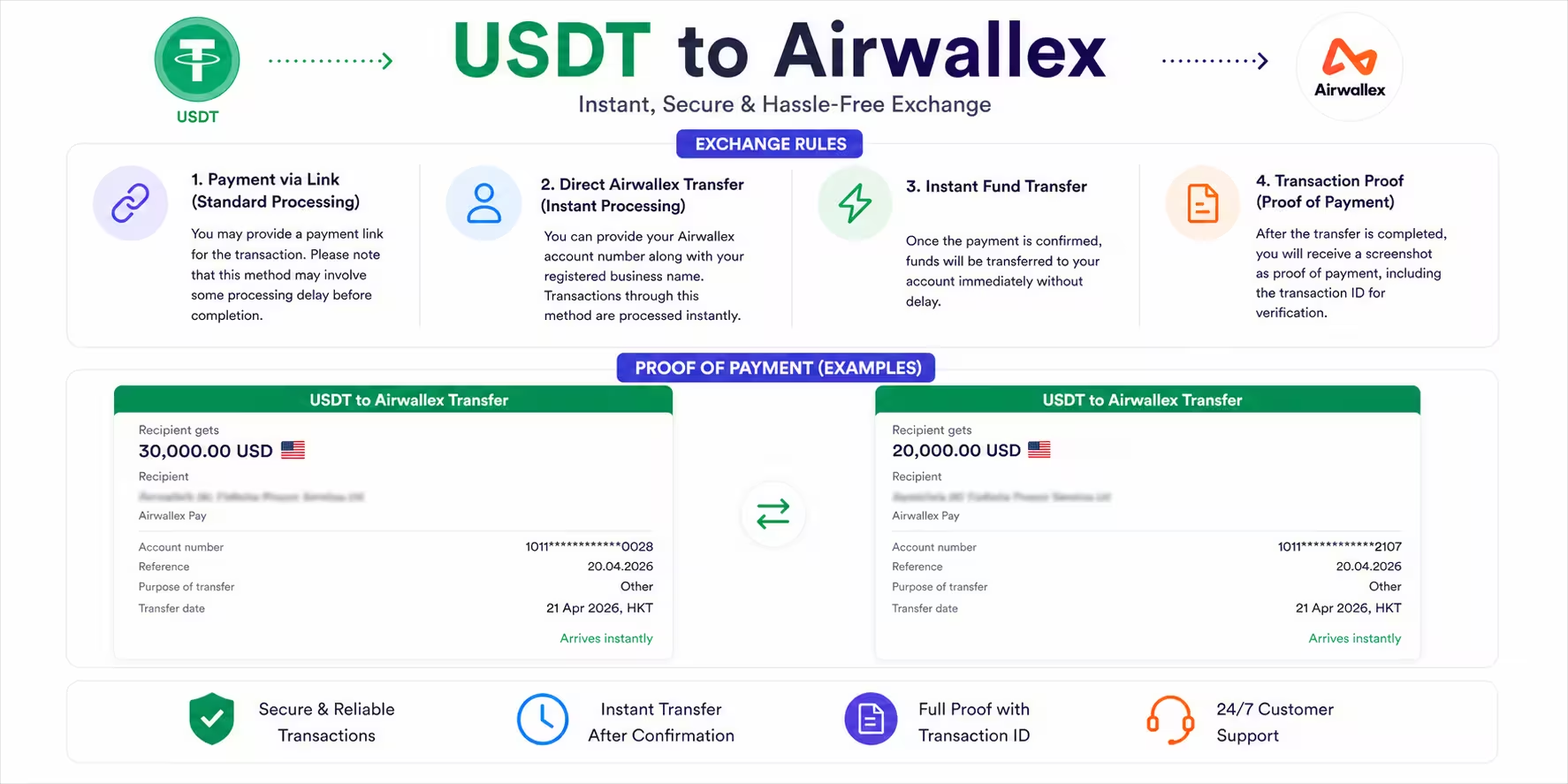
- Verify completion. Request the payout transaction ID and check the credited amount in your own wallet or exchange.
For a more detailed walkthrough, read our step-by-step Payoneer to USDT guide.
Keep payment proof and resolve delays clearly
Save the agreed quote, payment reference, recipient details, and USDT transaction ID together. A screenshot is useful context, but confirm the payout in your receiving account as well. If it has not arrived, provide support with the existing order reference and ask whether payment verification or payout is still pending before making another transfer.
Use the official PTOP contact page to follow up. Keep passwords, one-time login codes, and wallet recovery phrases private; receiving details and transaction references should never be confused with credentials that give someone control of your account.
Frequently asked questions
How do I start a Payoneer to USDT exchange with PTOP?
Open the Payoneer to USDT service page, enter your amount, and contact PTOP through the website to confirm the quote, receiving network, and payment instructions before transferring funds.
How long does a Payoneer to USDT exchange take?
Ask for the current processing estimate before paying. Total time depends on payment receipt, verification, payout processing, and the receiving network or platform; an estimate is not a guaranteed arrival time.
Will I receive one USDT for every Payoneer dollar?
Use the final quote for your order. The receiving amount depends on the quoted exchange rate and any applicable charges, so confirm the net USDT payout before sending your Payoneer USD.
Which USDT network should I choose?
Choose a network supported by both the payout service and your receiving wallet or exchange. Confirm the exact network with PTOP and copy the deposit address for that network before payment.
Ready to check your exchange? Open the PTOP Payoneer to USDT service page to calculate an estimate and confirm the details for your order.
Ready to Exchange Your Funds at Top Market Rates?
Get competitive live rates, zero hidden fees, and 5–15 minute fast execution on WhatsApp & Telegram.